Coworking scheduling software
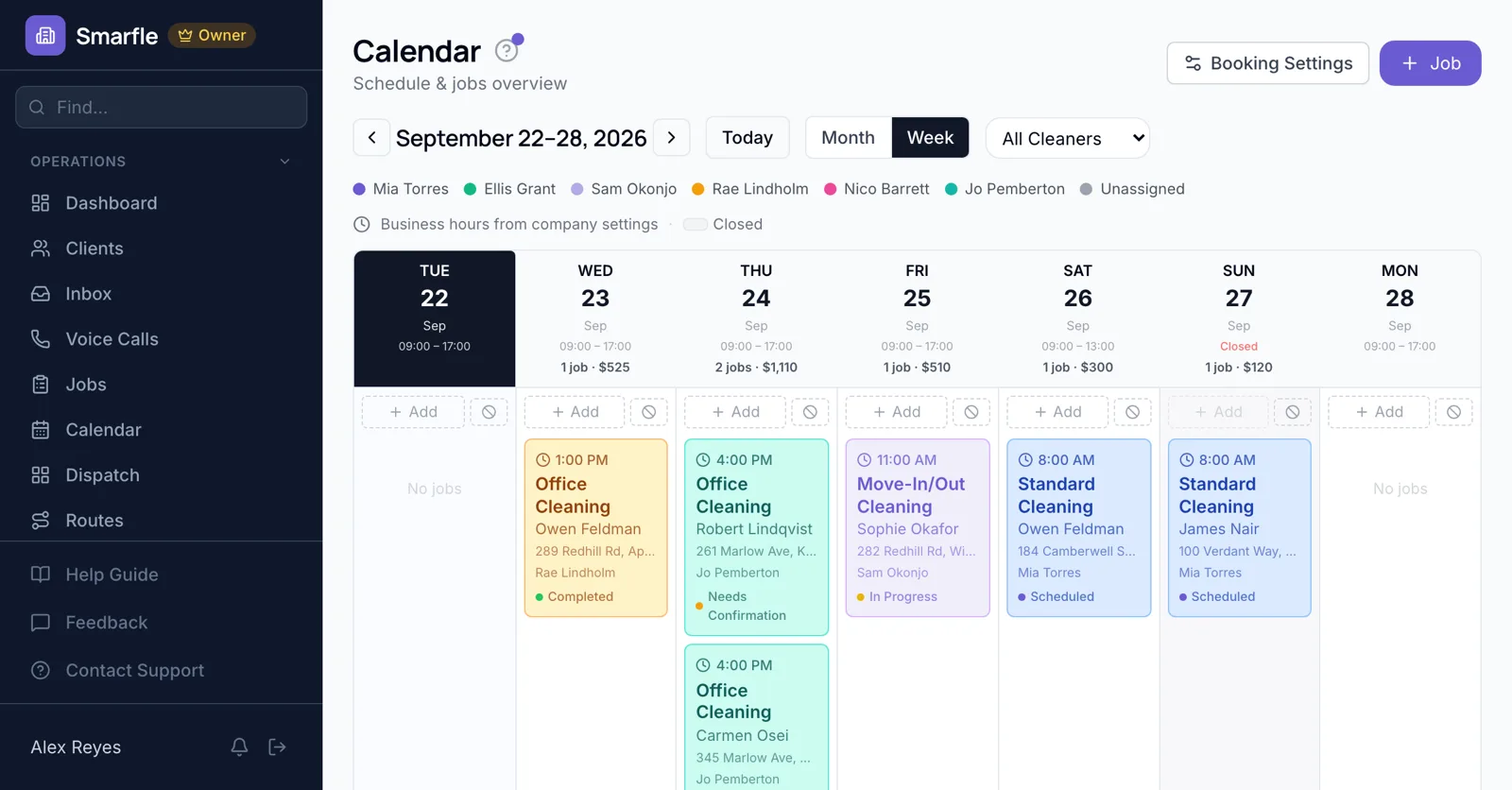
Coworking scheduling software for spaces that sell desks, rooms and day passes. Prospects book a tour online, meeting rooms are reserved by the hour at the length they need, and the front desk sees today's guests on one calendar.
14 days free · No credit card · Built in Florida
Tours online
Prospects book a tour and say whether they need a hot desk, a dedicated desk or an office, so the community manager shows the right floor.
Online bookingMeeting rooms by the hour
Sell the boardroom by the hour and let members choose how many. A three-hour workshop blocks three hours, and the next booking starts after the buffer.
Calendar schedulingOne room per location online
Online booking takes one reservation per time slot for each location. Spaces with several rooms book the extra ones from the calendar, or set each room up as its own branch.
Job managementDay passes
Day pass visitors book a date online and get a reminder before arrival with directions and the Wi-Fi details in your message.
Member recordsClosed days and holidays
Add holidays as closed dates, and the booking page stops offering them; anyone you move gets the new time automatically.
Automatic emailsCoworking scheduling features
What it does
- Tour booking onlineDesk type question
- Rooms booked by the hourLength from hours chosen
- Day pass bookingsReminder with directions
- Holiday closed datesRemoved from booking
What it doesn't do
- Several rooms bookable at once onlineOne per slot per location
- Desk mapsTrack desks in notes
- Door access on bookingThrough your access system
- Member credits for room hoursBill hours as used
Coworking scheduling pricing
Tour booking, room reservations and day passes are on every plan; extra locations can be branches.
Starter
Small teams adding tools and growth
- Up to 5 users (1 owner + 4 techs)
- Up to 2,000 clients
Professional
Growing service businesses
- Up to 10 users
- Up to 5,000 clients
SMS, email, AI, and voice are billed pay-as-you-go. See every plan and usage rate →
Coworking scheduling questions
More coworking software
Scheduling for related businesses
Try coworking scheduling software free
14 days with every feature on your real coworking work. No credit card.
Start Free Trial