Discovery calls and client sessions
Consulting scheduling software
Consulting scheduling software for independent consultants and small firms. Prospects book a free discovery call from your website, retained clients keep a standing biweekly session, and full-day workshops block the calendar so nothing else is booked on top of them.
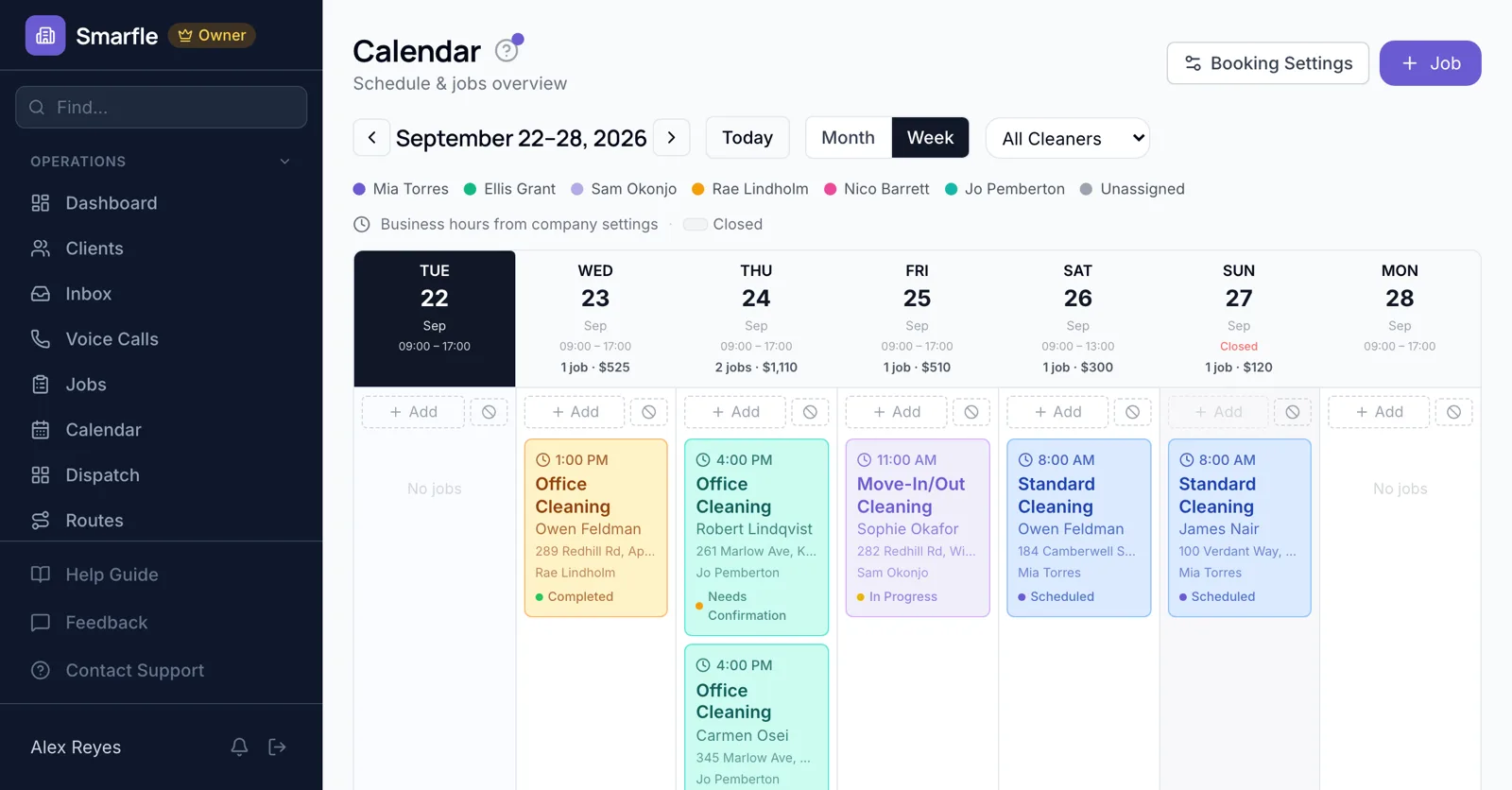
A short tour of the screens this page describes. It is filmed with our demo pest control company, and every trade runs on the same screens.
- From $19/month
- 14-day free trial
- Same-day US support

“We run every customer conversation through Smarfle. Texts, emails and reminders are in one place, our customers love paying with Apple Pay, and when we are busy or closed the text bot answers new leads for us.”
Get the consulting app


Discovery calls from your site
Consultation mode turns the booking page into free intro calls. Company size, the problem to solve and timeline are questions on the form, so the call starts with context.
Online bookingStanding client sessions
A retained client's weekly or biweekly working session repeats on the agreed day, and moving one occurrence leaves the rest in place.
Recurring jobsWorkshop days
A strategy offsite is booked as a full-day job, so your booking page stops offering that day to new prospects.
Calendar schedulingHours logged against sessions
Time spent in and around each session is logged on the engagement, ready for the month-end invoice.
Time trackingReminders for busy executives
Clients receive an email the evening before and a nudge on the morning of each session, which matters when their calendar is fuller than yours.
Automatic emailsWhat the consultant scheduling software covers
What it does
- Free discovery call bookingConsultation mode
- Recurring client sessionsWeekly to quarterly
- Full-day blocksBooking page respects them
- Session time trackingOn the engagement
What it doesn't do
- Video conferencing linksPaste your own link
- Round-robin across consultantsAssign after booking
- Time zone selection by the clientYour business time zone
- Group availability pollsAgree times by email
Smarfle vs HubSpot for consultants
| Smarfle | HubSpot | |
|---|---|---|
| Entry plan | Solo $19, 1 user | Free CRM, or Starter $20 |
| Mid plan | Starter $99, 5 users | Professional from $890 |
| Job scheduling and dispatch | Yes | Limited |
| Deal pipelines and sales forecasting | Limited | Yes |
| Self-serve signup with no sales call | Yes | Yes |
Consulting scheduling pricing
Every plan has discovery booking, recurring sessions and time tracking, so a solo consultant needs only Solo.
Starter
Small teams adding tools and growth
$99/mo
- Up to 5 users (1 owner + 4 techs)
- Up to 2,000 clients
Most Popular
Professional
Growing service businesses
$199/mo
- Up to 10 users
- Up to 5,000 clients
SMS, email, AI, and voice are billed pay-as-you-go. See every plan and usage rate →
Questions consultants ask about client booking
Is there consultant scheduling software with online booking?
Can clients book a free intro call?
Does it send Zoom links?
Can prospects choose their own time zone?
Can sessions repeat weekly?
Can I block a workshop day?
Does it rotate bookings between consultants?
Can I bill the session time?
Try consulting scheduling software free
14 days with every feature on your real consulting work. No credit card.