Event planning scheduling software
Event planning scheduling software for a year of meetings that leads to one day. Couples and companies book a consultation online, site walkthroughs and vendor tastings go on the planner's calendar, and the event date locks in with the signed contract.
14 days free · No credit card · Built in Florida
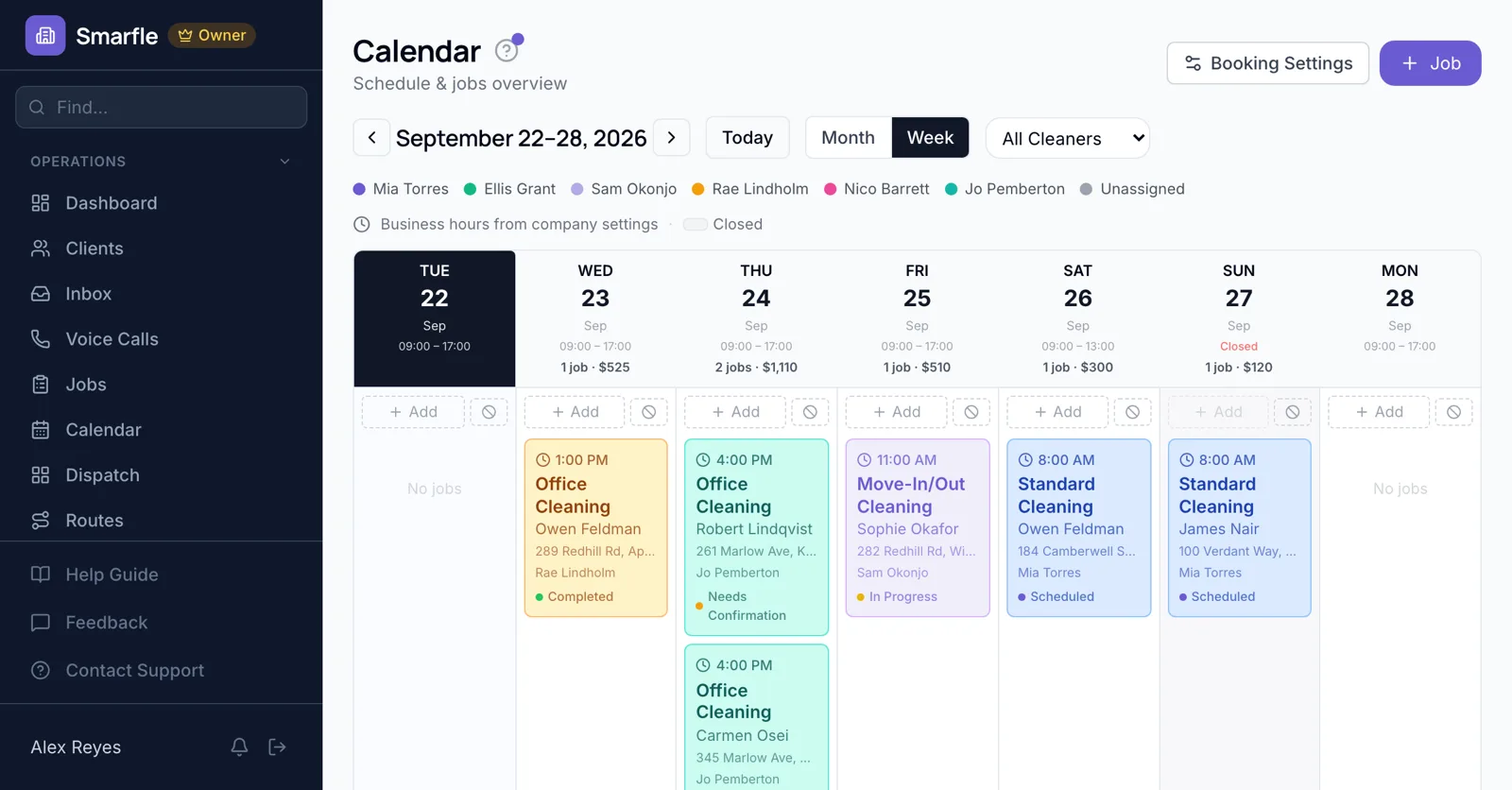
Consultations online
Consultation mode lets couples and companies book a first meeting, sharing the event type, date range and guest count before you talk.
Online bookingWalkthroughs and tastings
Venue walkthroughs, cake tastings and florist meetings go on the planner's calendar with each location, and the couple gets a reminder first.
Calendar schedulingThe event date held
A signed planning proposal with its deposit paid puts the event date on the lead planner's calendar.
Estimates and e-signaturesMonthly planning check-ins
A monthly check-in with the couple repeats until the wedding, so decisions are made on time rather than in the last two weeks.
Recurring jobsAssistants for the day
Day-of assistants are assigned to the event with the timeline in the notes, and approved time off shows before you staff a busy weekend.
Team managementEvent planning scheduling features
What it does
- Consultation bookingEvent type and guest count
- Walkthroughs and tastingsClient reminded
- Event dates from signed proposalsWith deposit
- Monthly client check-insUntil the event
What it doesn't do
- Run-of-show timeline builderUse your planning tool
- Vendor calendarsCoordinate directly
- Guest RSVP managementUse an RSVP service
- Several consultations in one online slotOne per slot
Event planning scheduling pricing
Consultations, walkthroughs and event dates are included in all plans; a planner with four assistants fits on Starter.
Starter
Small teams adding tools and growth
- Up to 5 users (1 owner + 4 techs)
- Up to 2,000 clients
Professional
Growing service businesses
- Up to 10 users
- Up to 5,000 clients
SMS, email, AI, and voice are billed pay-as-you-go. See every plan and usage rate →
Event planning scheduling questions
More event planning software
Scheduling for event businesses
Try event planning scheduling free
14 days with every feature on your real event planning work. No credit card.
Start Free Trial