Catering dispatch software
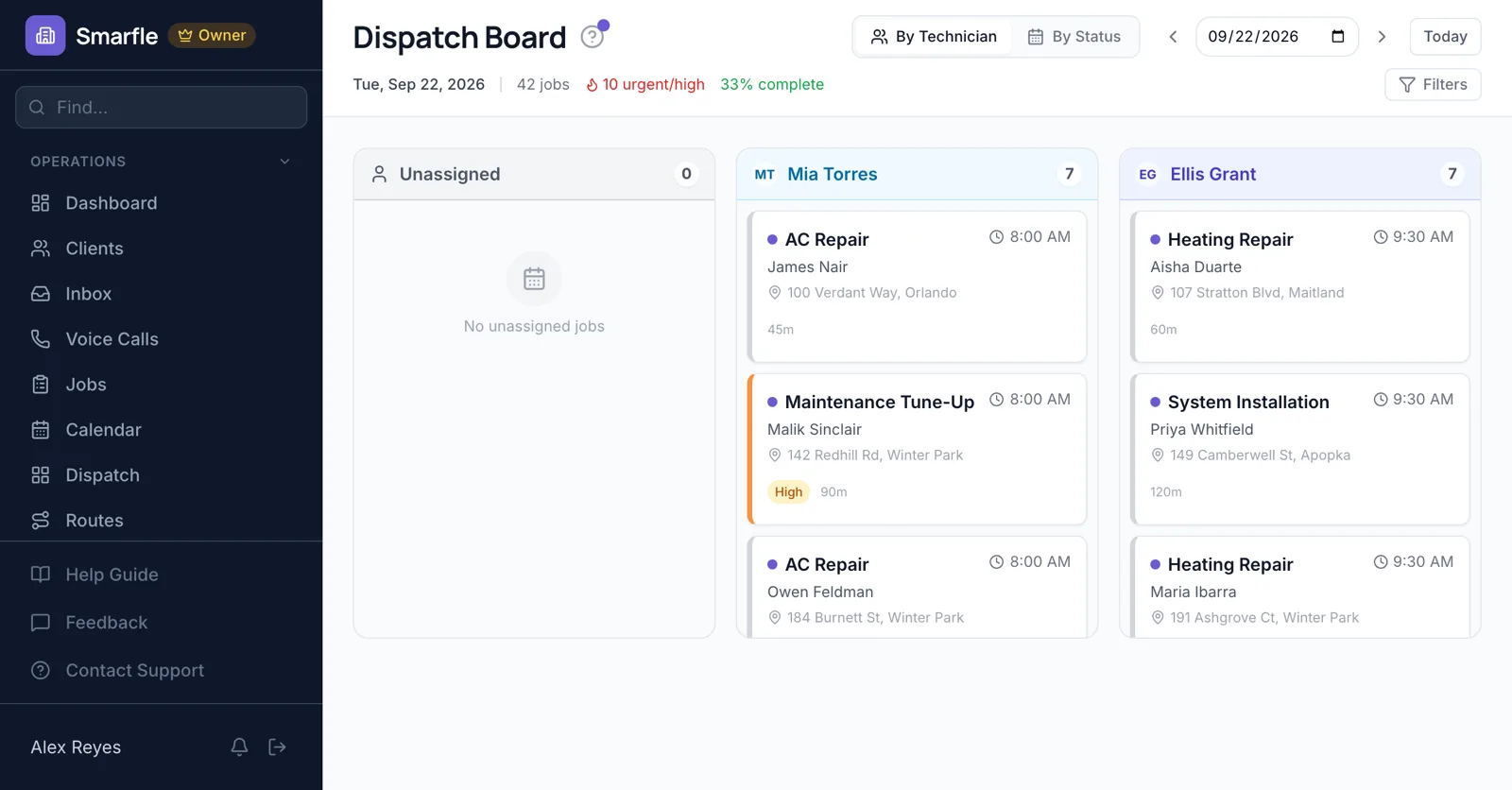
Catering dispatch software for caterers sending crews to weddings and vans to office lunches on the same day. Each event lead has a column, drop-off orders are routed so lunches arrive warm, and bar service goes only to staff tagged with an alcohol server certificate.
14 days free · No credit card · Built in Florida
Drop-off routes
Corporate lunches are mapped in delivery order for each driver, and the stop list is texted before the van is loaded.
Route optimizationEvent leads by day
Saturday's board shows which lead has the wedding and who is free for the late reception. Drag a new booking to the open column.
Dispatch boardBar and food handler tags
Tag staff with alcohol server or food handler certificates, and require the right one on Bar Service.
Team and skillsVenue notes
The loading dock, venue contact and headcount sit on the event, so the lead walks in knowing where to park.
Job managementHost updates
The lead taps On my way when the van leaves, and the host gets a text with your wording.
Mobile app for the fieldCatering dispatch features
What it does
- Drop-off delivery routesTexted to drivers
- Event lead boardDrag to assign
- Alcohol server tagsWarning on mismatch
- Venue notes on eventsDock, contact, headcount
What it doesn't do
- Full event staffingA job per server
- Rentals per eventNote them on the event
- Kitchen prep schedulePlan it separately
- Live van trackingOn my way texts
Catering dispatch pricing
Delivery routes and the event board are on every plan; texting a driver's stop list costs 3 cents.
Starter
Small teams adding tools and growth
- Up to 5 users (1 owner + 4 techs)
- Up to 2,000 clients
Professional
Growing service businesses
- Up to 10 users
- Up to 5,000 clients
SMS, email, AI, and voice are billed pay-as-you-go. See every plan and usage rate →
Catering dispatch questions
More catering software
Dispatch for event and delivery work
Try catering dispatch software free
14 days with every feature on your real catering work. No credit card.
Start Free Trial