Catering billing software
Catering billing software for the office that orders lunch every Tuesday and the wedding that pays in stages. Recurring corporate orders go out on one monthly invoice under the client's terms, event balances fall due before the date with reminders if they slip, and each client's statement shows every order.
14 days free · No credit card · Built in Florida
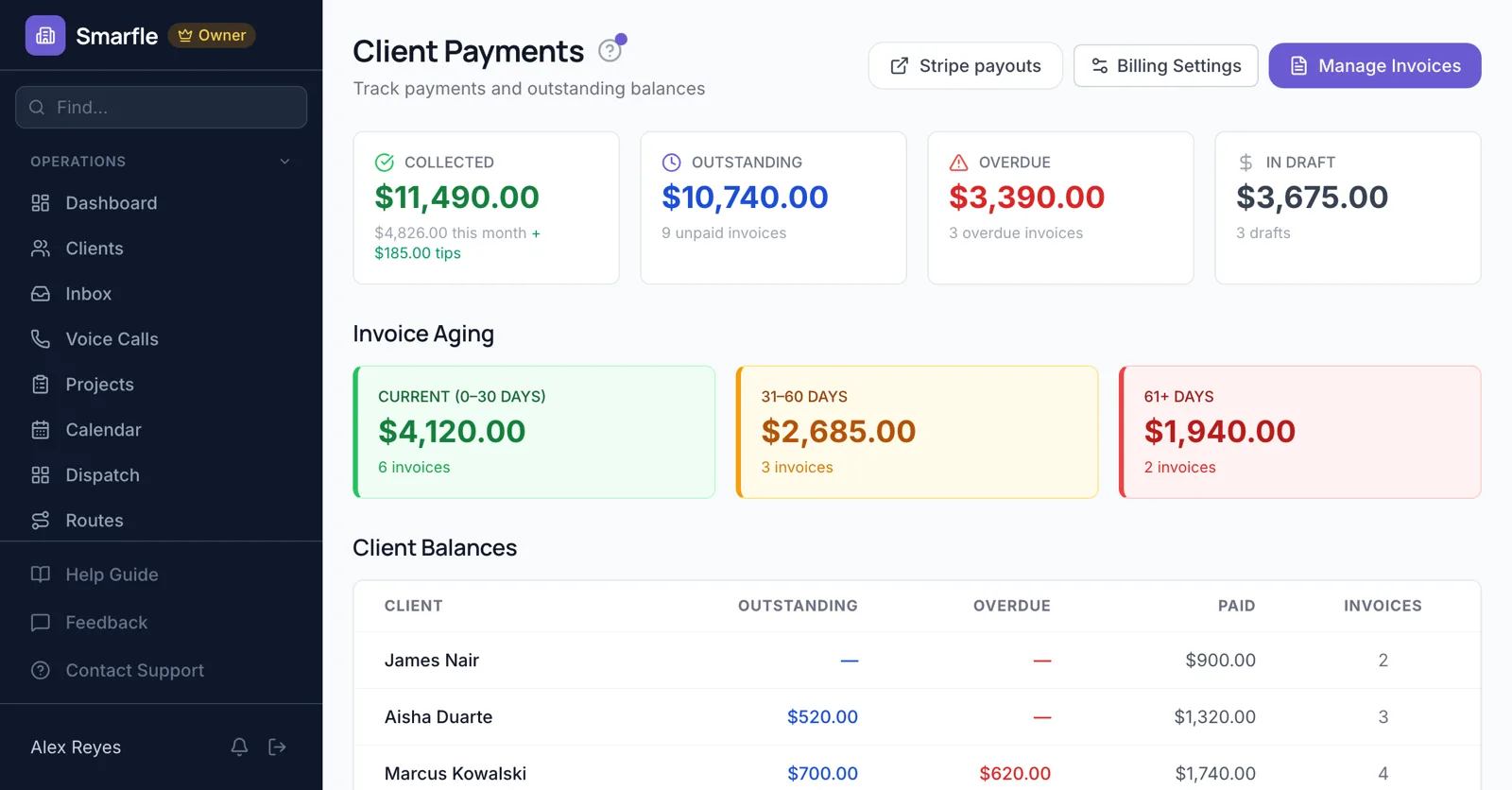
Weekly office lunches
A standing Tuesday lunch for 25 repeats on the calendar. Through the month each order is recorded, and on the last day all of them go on one invoice to the company.
Recurring jobsEvent balances before the date
After the deposit, the balance for a June wedding is invoiced with a due date two weeks out. If it is missed, the couple is reminded by email and text.
InvoicingCorporate accounts on terms
Companies get net 15 or net 30, the office manager who orders and the AP team that pays both receive the invoice, and their card can be saved for small orders.
Client recordsSaved cards for regulars
A law firm that orders breakfast twice a month saves a card once, and every invoice you send them is charged automatically the next morning.
PaymentsAccounts by age
See which corporate account is past 30 days before you confirm their next standing order.
ReportsCatering billing features
What it does
- Monthly invoice for standing ordersOrders listed
- Event balances with due datesReminders if late
- Corporate net termsOrderer and AP copied
- Cards on file for regularsCharged automatically
What it doesn't do
- House accounts with credit limitsWatch the aging
- Per-head billing on standing ordersSet the order price
- Percentage service chargesAdd a flat line
- QuickBooks syncCSV export
Catering billing pricing
Corporate accounts, event balances and saved cards are on every plan; Starter covers five staff.
Starter
Small teams adding tools and growth
- Up to 5 users (1 owner + 4 techs)
- Up to 2,000 clients
Professional
Growing service businesses
- Up to 10 users
- Up to 5,000 clients
SMS, email, AI, and voice are billed pay-as-you-go. See every plan and usage rate →
Catering billing questions
Try catering billing software free
14 days with every feature on your real catering work. No credit card.
Start Free Trial