Several small jobs, one visit
Handyman scheduling software
Handyman scheduling software for honey-do lists. A customer books a TV mount, a faucet swap and a closet door in one online request, the times add up so the visit holds the right block, and you approve it before it is confirmed.
A short tour of the screens this page describes. It is filmed with our demo pest control company, and every trade runs on the same screens.
- From $19/month
- 14-day free trial
- Same-day US support

“We run every customer conversation through Smarfle. Texts, emails and reminders are in one place, our customers love paying with Apple Pay, and when we are busy or closed the text bot answers new leads for us.”
Get the handyman app


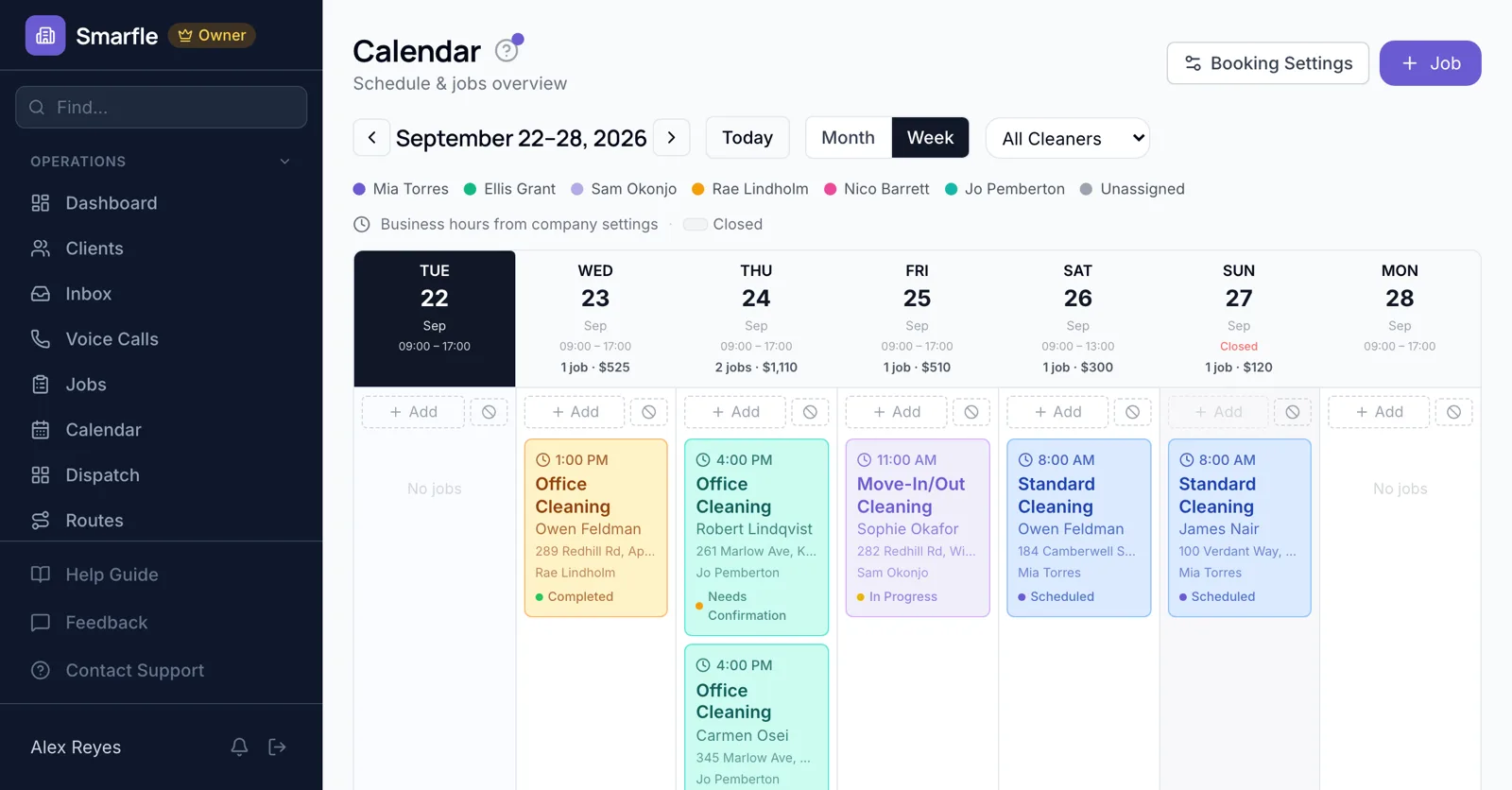
A whole list in one booking
Customers pick more than one service on your booking page. A 45-minute faucet swap plus a 90-minute TV mount books a two-and-a-quarter-hour visit, so you are not rushing the last task.
Online bookingApprove before you commit
Bookings land as requests, so you can check the photos the customer attached, adjust the time if the list looks bigger than it sounds, and then confirm.
Calendar schedulingLandlord work orders
Property managers send jobs by phone or email. Add each to the calendar with the unit, the tenant's phone and entry instructions.
Customer recordsTasks added on site
When the homeowner asks for one more fix, add it to the job on your phone, and the visit keeps an accurate record of what was done.
Job managementFewer locked doors
A reminder goes out the evening before and again that morning, and you can send an on-my-way text from the job when you leave the last stop.
Automatic textsHandyman scheduling software at a glance
What it does
- Several services in one bookingLengths add up
- Photos and notes with requestsApprove before confirming
- Tasks added on siteFrom your phone
- On-my-way textsSent from the job
What it doesn't do
- Hourly booking with no set listBook an hourly service
- Tenant self-scheduling for landlordsAdd their jobs yourself
- Same online slot for two homesOne booking per slot
- Customer picks the handymanAssigned by you
Smarfle vs Housecall Pro for handymen
| Smarfle | Housecall Pro | |
|---|---|---|
| Entry plan | Solo $19, 1 user | Basic $79, 1 user |
| Mid plan | Starter $99, 5 users | Essentials $189, 5 users |
| Job scheduling and dispatch | Yes | Yes |
| Prices published on the website | Yes | Yes |
| Answers your phone without a paid add-on | Yes | No |
Handyman scheduling pricing
A one-person handyman business can run booking, scheduling and reminders on Solo at $19 a month.
Starter
Small teams adding tools and growth
$99/mo
- Up to 5 users (1 owner + 4 techs)
- Up to 2,000 clients
Most Popular
Professional
Growing service businesses
$199/mo
- Up to 10 users
- Up to 5,000 clients
SMS, email, AI, and voice are billed pay-as-you-go. See every plan and usage rate →
What handymen ask about multi-task visits
Is there handyman scheduling software with online booking?
Can a customer book three small jobs at once?
Can I check the job before confirming?
Can tenants book directly for a landlord?
Can I add a task during the visit?
Do customers get reminders?
Can customers book by the hour?
Does it work on my phone?
Try handyman scheduling software free
14 days with every feature on your real handyman work. No credit card.