Planning fees on subscription
Financial advisor billing software
Financial advisor billing software for fee-only and hybrid planners. Clients subscribe to ongoing planning at a monthly or quarterly fee from your portal, one-time plans are invoiced separately, and each household's statement shows every fee they have paid, while asset-based fees stay with your custodian.
A short tour of the screens this page describes. It is filmed with our demo pest control company, and every trade runs on the same screens.
- From $19/month
- 14-day free trial
- Same-day US support

“We run every customer conversation through Smarfle. Texts, emails and reminders are in one place, our customers love paying with Apple Pay, and when we are busy or closed the text bot answers new leads for us.”
Get the financial advisor app


Subscription planning
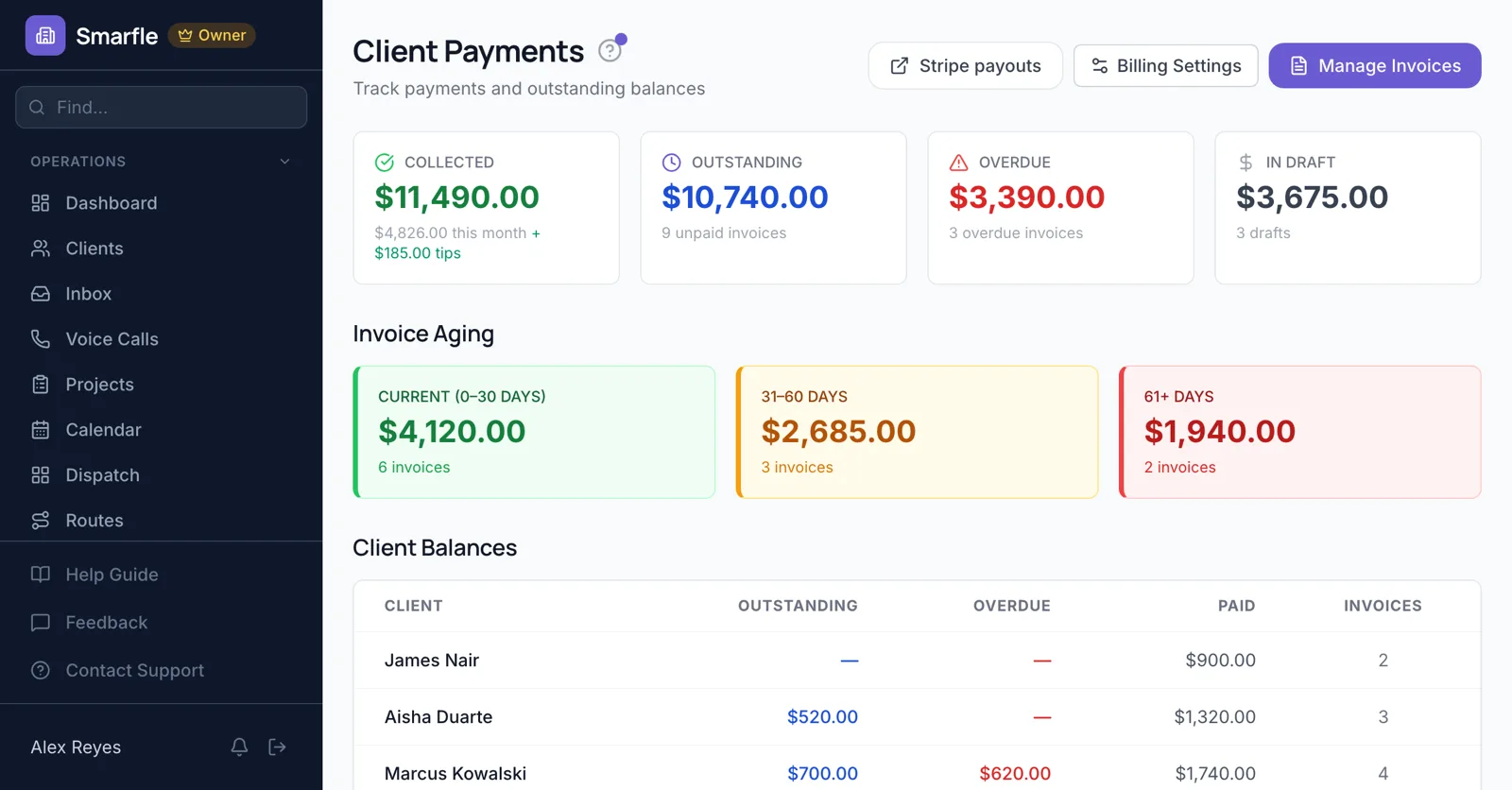
Ongoing planning at $150 a month or $450 a quarter is a recurring service. The household enrolls from your client portal, Stripe charges the card on schedule, and each payment is recorded with a receipt.
Recurring plansOne-time plans apart
A comprehensive first-year plan goes on a separate invoice, so subscription fees and project fees are easy to tell apart in your records.
InvoicingFee changes by tier
Offer planning tiers. A client whose situation gets more complex moves up in the portal and sees the prorated change first.
Client portalDeclined fee payments
If a planning fee is declined, the subscription is marked past due and the advisor is told by email, so it is fixed before the next review meeting.
PaymentsHousehold fee statements
Each household's statement lists every planning fee and payment, useful when a client asks what they paid this year.
ReportsInside the financial advisor billing software
What it does
- Monthly or quarterly planning feesEnrolled in the portal
- One-time plan invoicesSeparate from subscriptions
- Planning tier changesProrated preview
- Household fee statementsEvery fee and payment
What it doesn't do
- AUM fee calculationThrough your custodian
- Fee deduction from accountsCustodian billing
- Compliance fee reportsUse your compliance tools
- Household fee capsSet prices per tier
Financial advisor billing pricing
Planning subscriptions and statements are included in all plans; each fee payment includes Stripe processing and 0.5%.
Starter
Small teams adding tools and growth
$99/mo
- Up to 5 users (1 owner + 4 techs)
- Up to 2,000 clients
Most Popular
Professional
Growing service businesses
$199/mo
- Up to 10 users
- Up to 5,000 clients
SMS, email, AI, and voice are billed pay-as-you-go. See every plan and usage rate →
What advisors ask about planning fee billing
Is there billing software for subscription financial planning?
Can it bill AUM fees?
Can I bill quarterly?
Can clients move between planning tiers?
What happens to a failed planning payment?
Can clients pay by bank account?
Does it produce fee reports for compliance?
Can a household see its fees?
More financial advisor software
Billing for related firms
Try financial advisor billing software free
14 days with every feature on your real financial advisor work. No credit card.